
Barcode and QR code
Every card carries both. If the scanner cannot read one, switch to the other.
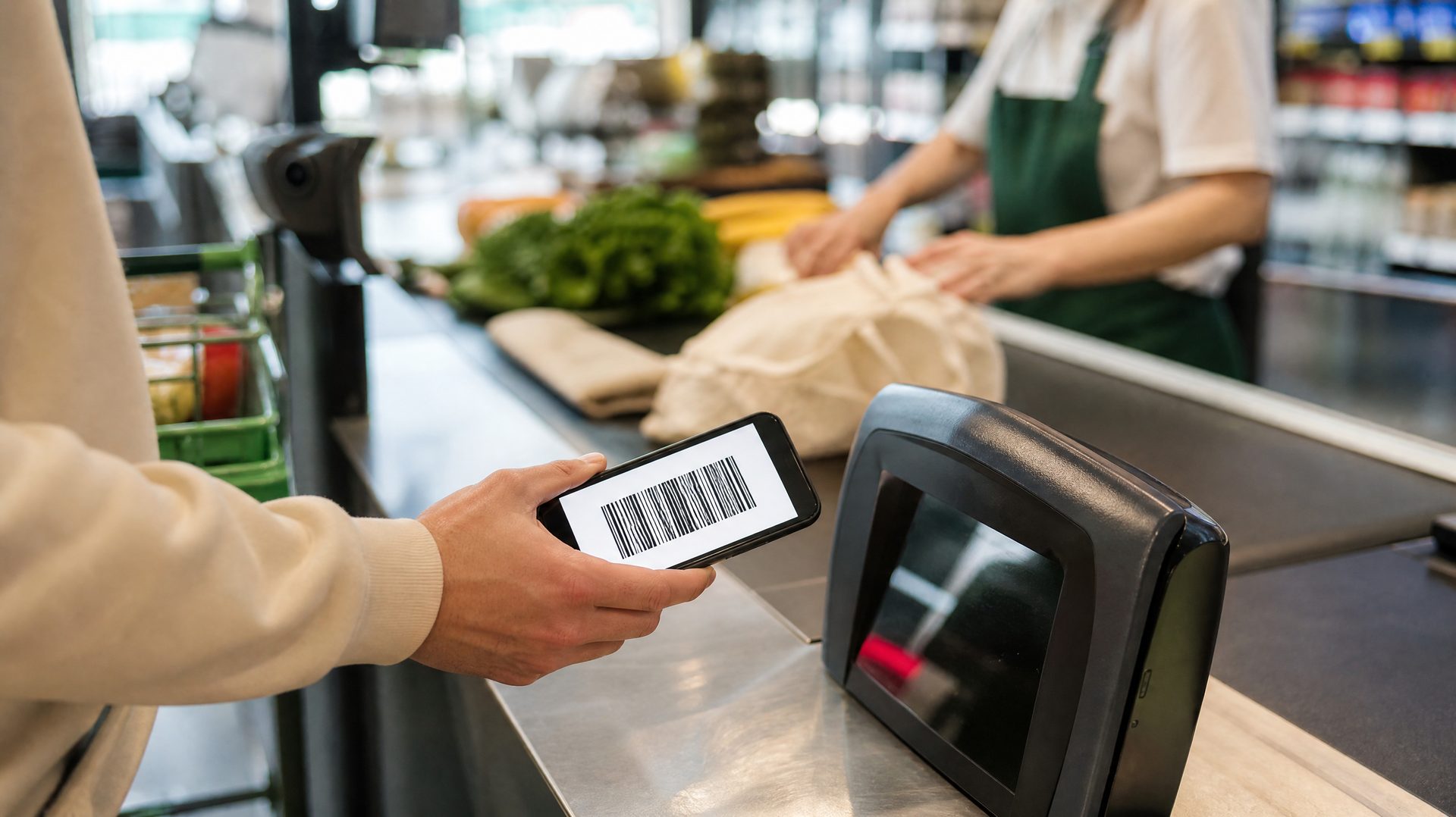
Add a card once. At the till you open it, hold up the code, and carry on.
Create a free accountWorks in any shop that prints a barcode
Your cards open with no signal
Works on your phone, tablet and computer
No adverts, and your data is not sold
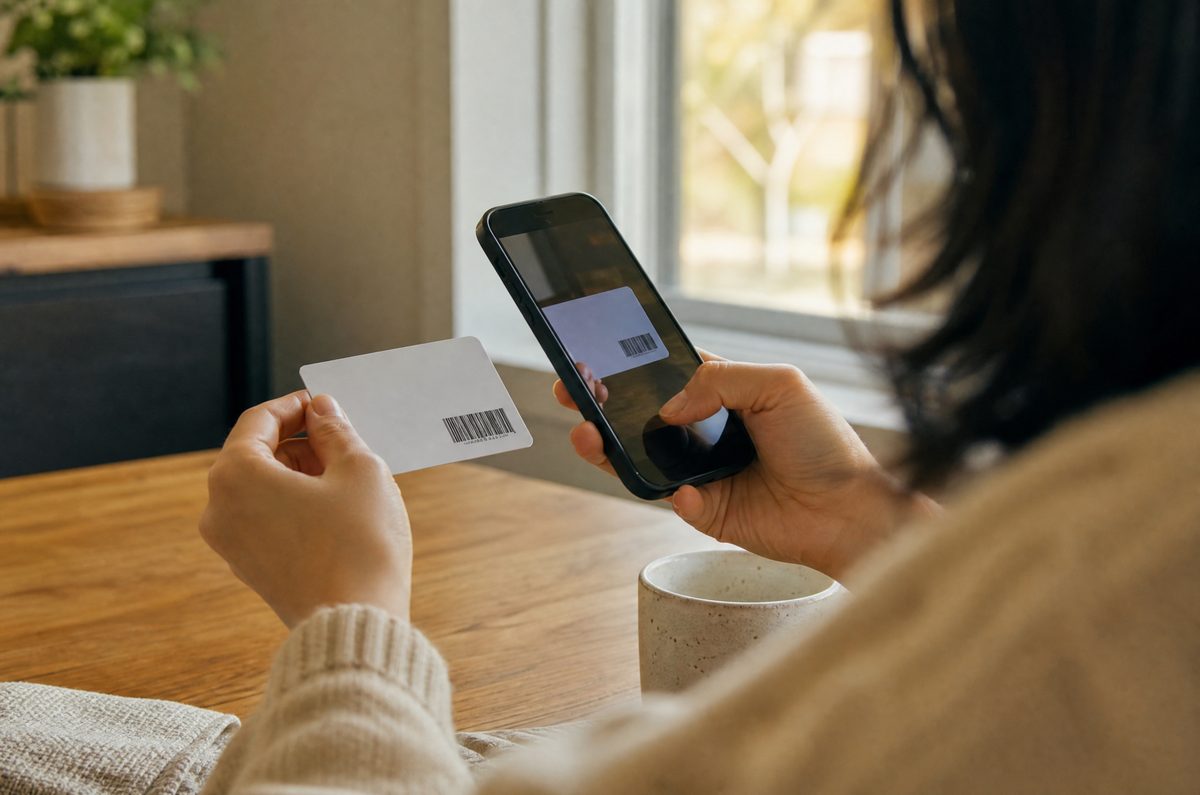
Point the camera at the barcode on the back, or type the number in. A card takes about twenty seconds.
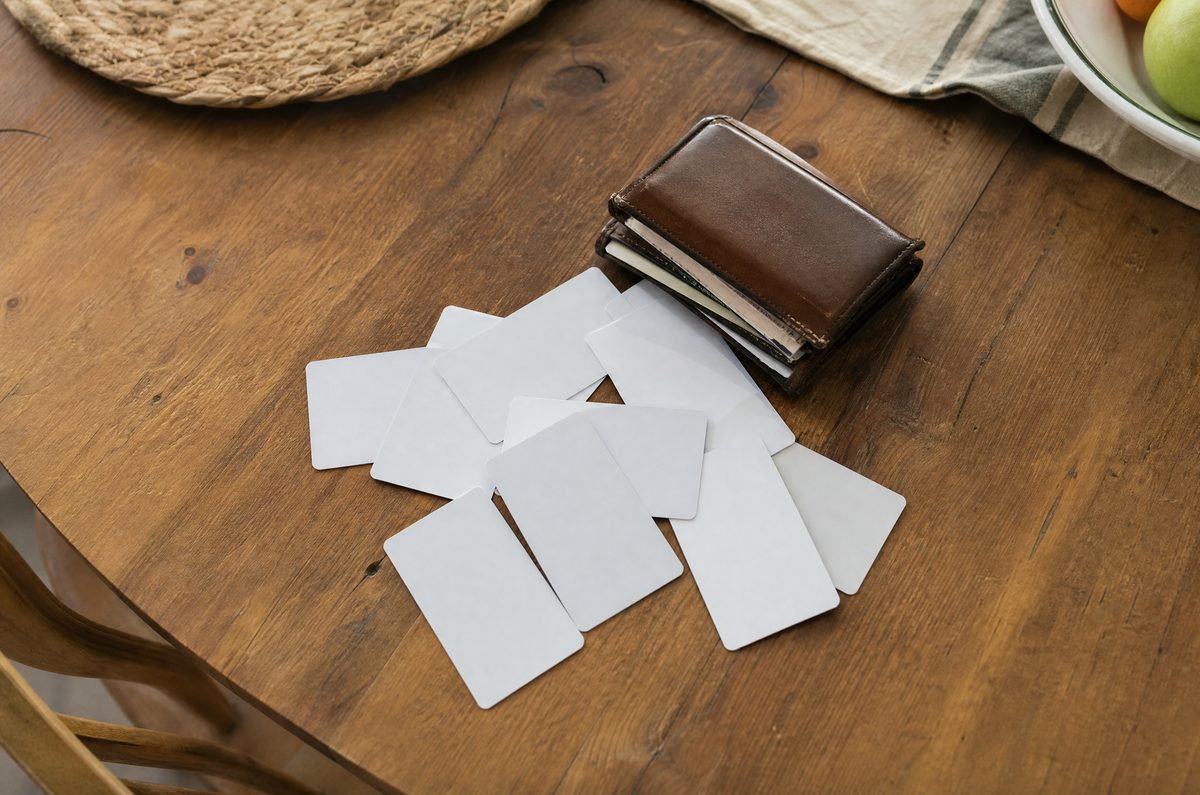
Every card sits in one list on your phone, with the ones you use most at the top.

Tap the card and hold the screen up to the scanner. This works even when you have no signal.
Every card carries both. If the scanner cannot read one, switch to the other.
Cards, pictures and codes open from the copy on your phone, with no connection.
Choose how many cards sit at the top of the list, between four and eight.
Send a card to one person. They can show it, but they cannot change or delete it.
Export everything to a file, and bring it back when you change phone.
The whole app switches language, including the categories and the help.
It takes a few minutes to move your cards across. After that you stop thinking about it.
Create your account